A space for every project
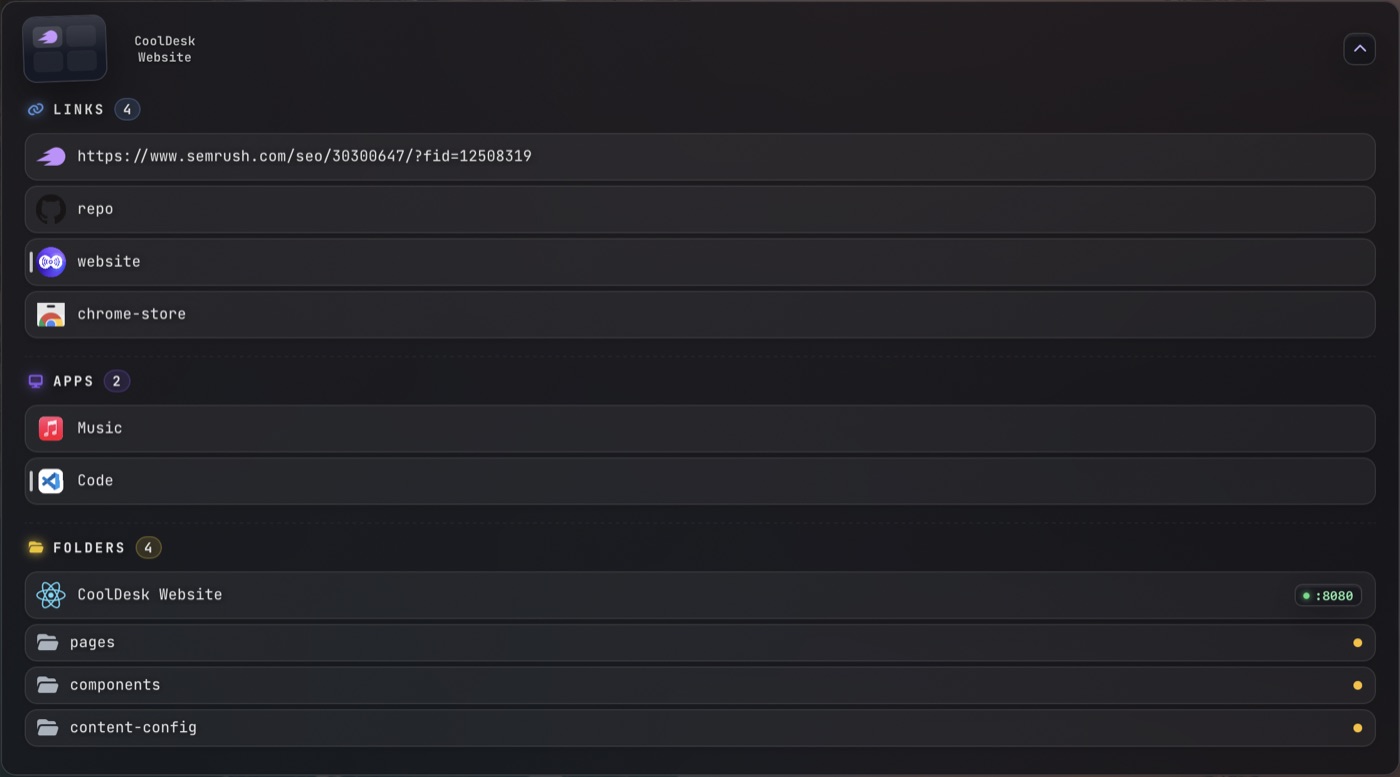
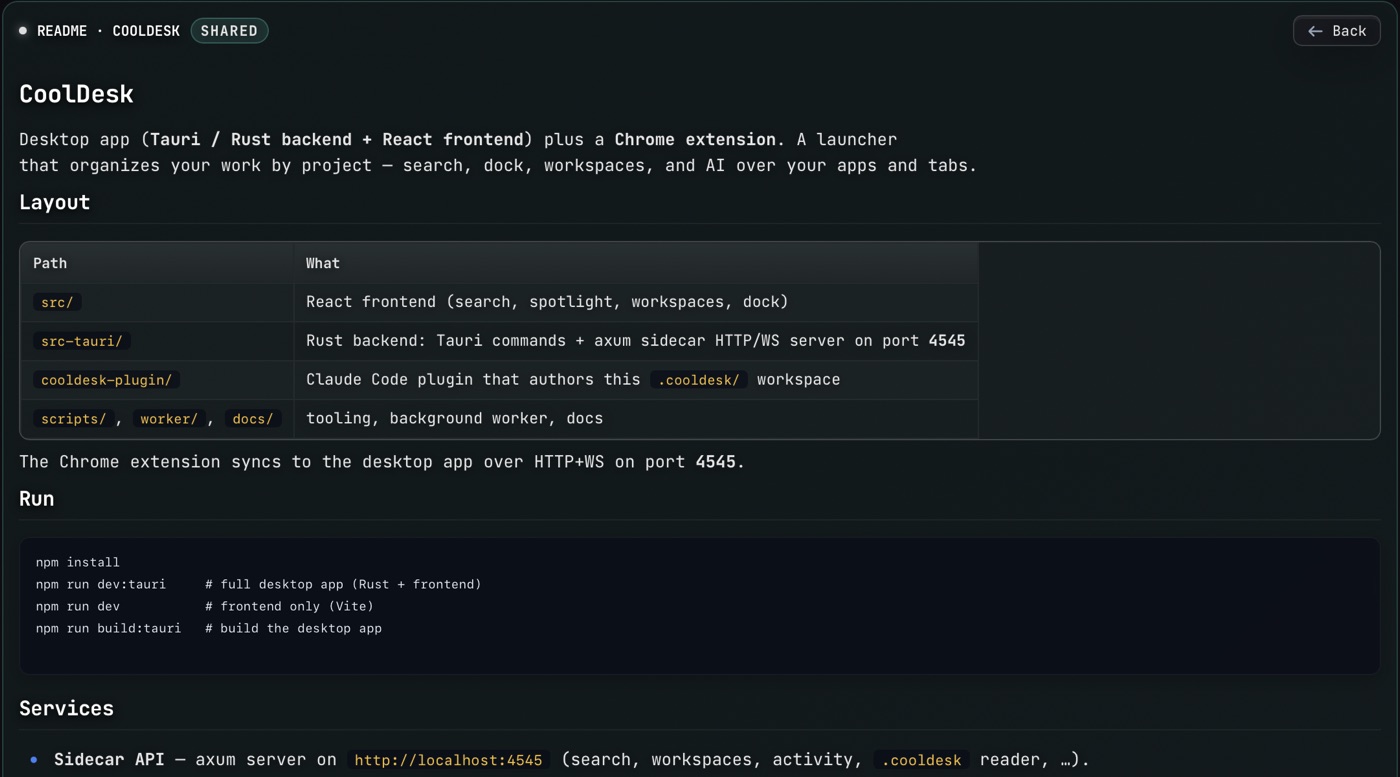
Each project gets its own space: the tabs, apps, folders, notes and files it needs, grouped together and one click away.
Back in, from anywhere
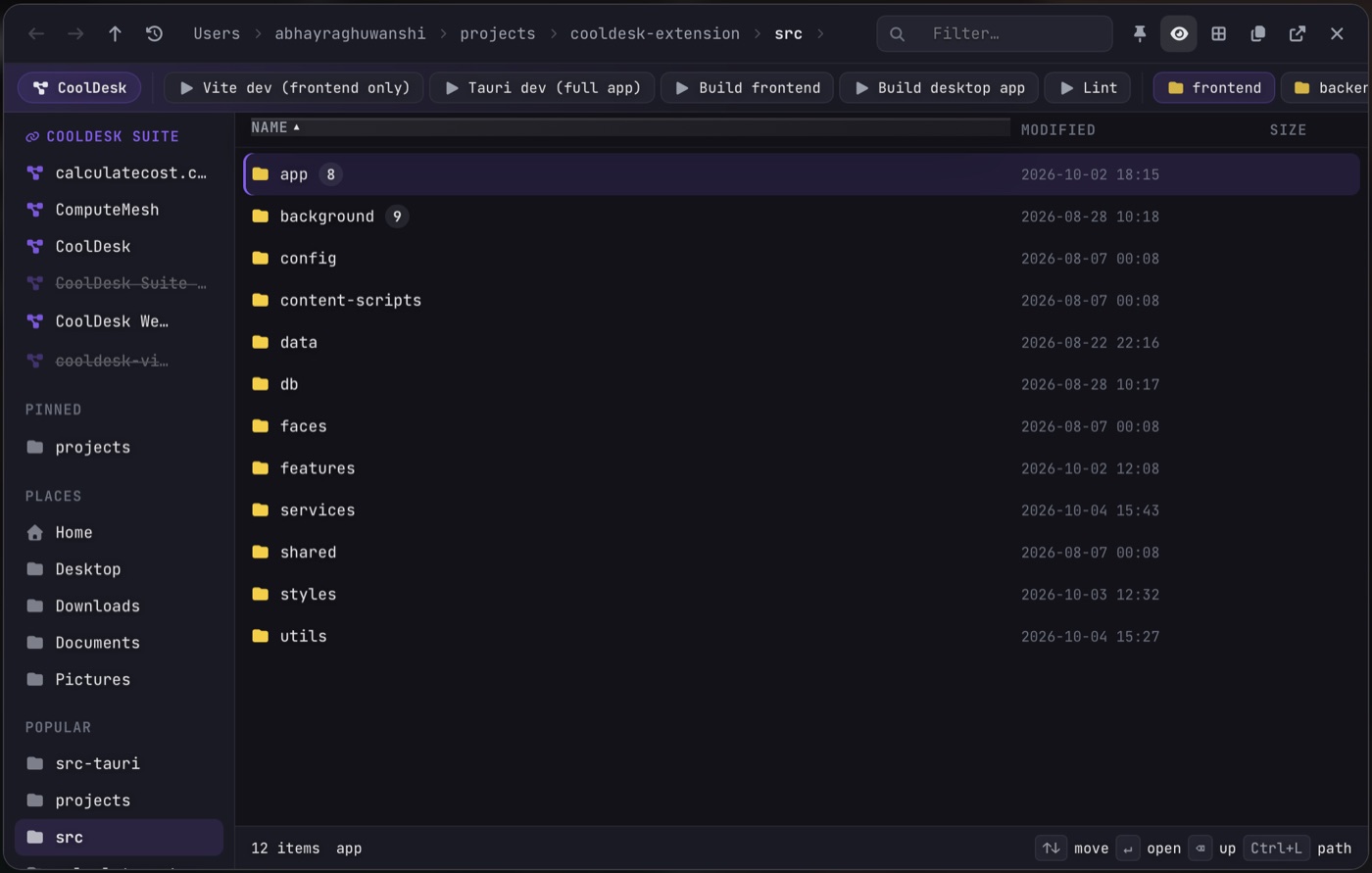
Search everything with one shortcut, or keep your space docked beside your work. Press Ctrl+Shift+D to switch between the sidebar, the dock and a full window.
Connect your browser
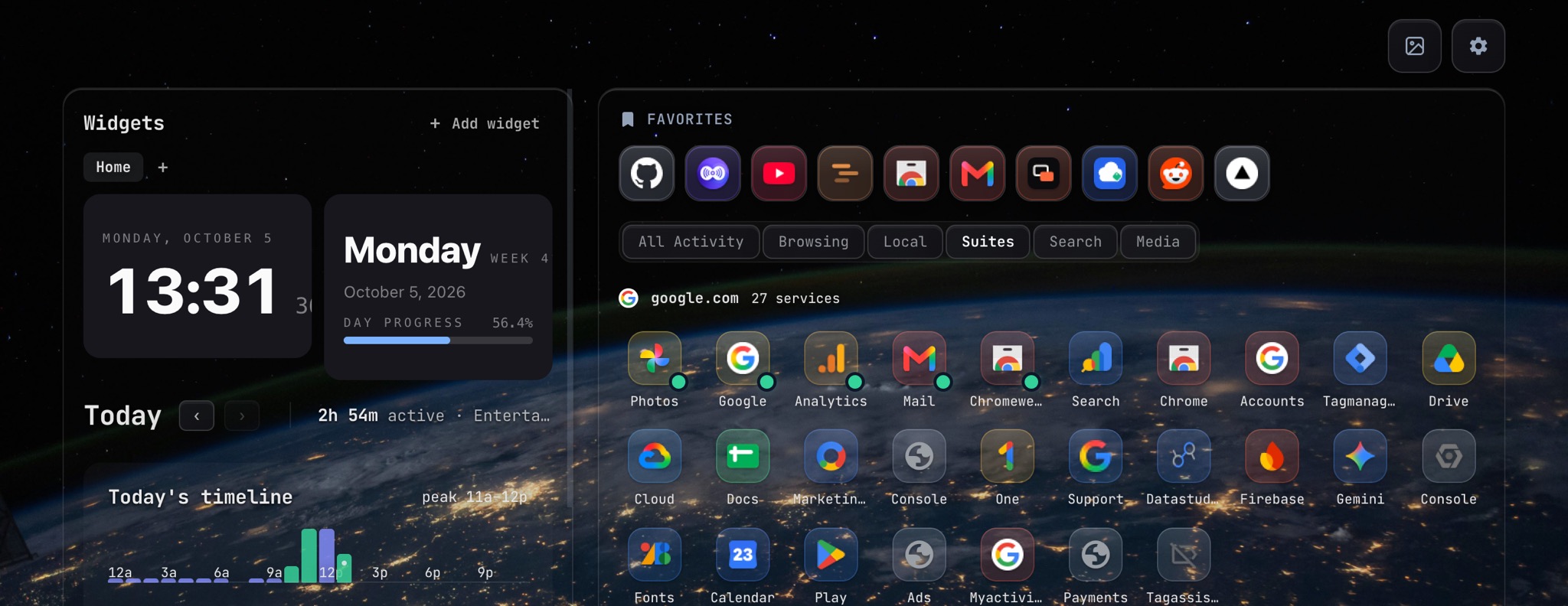
The free extension links Chrome, Edge or Brave to the desktop app, so CoolDesk knows your tabs. It also turns every new tab into your dashboard.
Also works in Edge and Brave
Shares your open tabs
The desktop app sees what’s open in Chrome, Edge or Brave, so Spotlight and your spaces can find it.
Jump or close from the app
Pick a tab in CoolDesk and it switches to it in the right browser window, instead of opening a copy.
Keeps both in sync
Spaces, notes and pins you change in one show up in the other. All on your computer, never a server.
Download CoolDesk
v1.3.0The extension is your new tab. The desktop app is the launcher: Spotlight, spaces and files.
Community
Report a bug
Something broken? Open an issue on GitHub.
Suggest a feature
Share an idea in GitHub Discussions.
Ask a question
Get help from the community on r/cooldesk.
Latest release
v2.0.14 · Sep 24, 2026
CoolDesk comes to Linux.
- NewLinux desktop app
- NewIn-place updates on macOS and Linux
+ 3 fixes
Built in the open, and we ship updates often. See the source on GitHub.
Desktop app
Or install with winget
winget install CoolDesk.CoolDeskBrowser extension
New tab extension
Chrome, Edge, Brave · updates itself
Which one do I need?
Just the extensionChrome, Edge, Brave
Your new tab: widgets, favorites, your open tabs and what’s playing.
Just the desktop appWindows, macOS, Linux
Spotlight on Alt+K, spaces, the file manager, layouts and the AI agent.
Both togetherRecommended
Spotlight also finds your browser tabs and jumps straight to one. They connect on their own, locally.
Start with either one. Install both and they connect on your machine, so Spotlight can reach your browser tabs.
FAQs
Works on
Other Chromium browsers work too · Firefox is on the roadmap
Two free pieces that work together: a desktop launcher for Windows, macOS and Linux (press Alt+K to find anything, kept in spaces, one for each project), and a browser extension that turns your new tab into a dashboard. No sign-in needed.
Launchers open apps; tab managers handle tabs. CoolDesk does both and keeps them in spaces, one for each thing you work on.
It depends what you want. The extension turns your new tab into a dashboard: widgets, favorites, your open tabs and what's playing. Spotlight, spaces, the file manager and the layouts are in the desktop app. Install both and Spotlight can find your browser tabs and jump straight to them.
Your data stays on your device. Only an anonymous usage ping (can be turned off), cloud AI with your own key, and Team sync send anything out.
Watch and learn
Get started with CoolDesk, explore its features, and see how it fits your day.